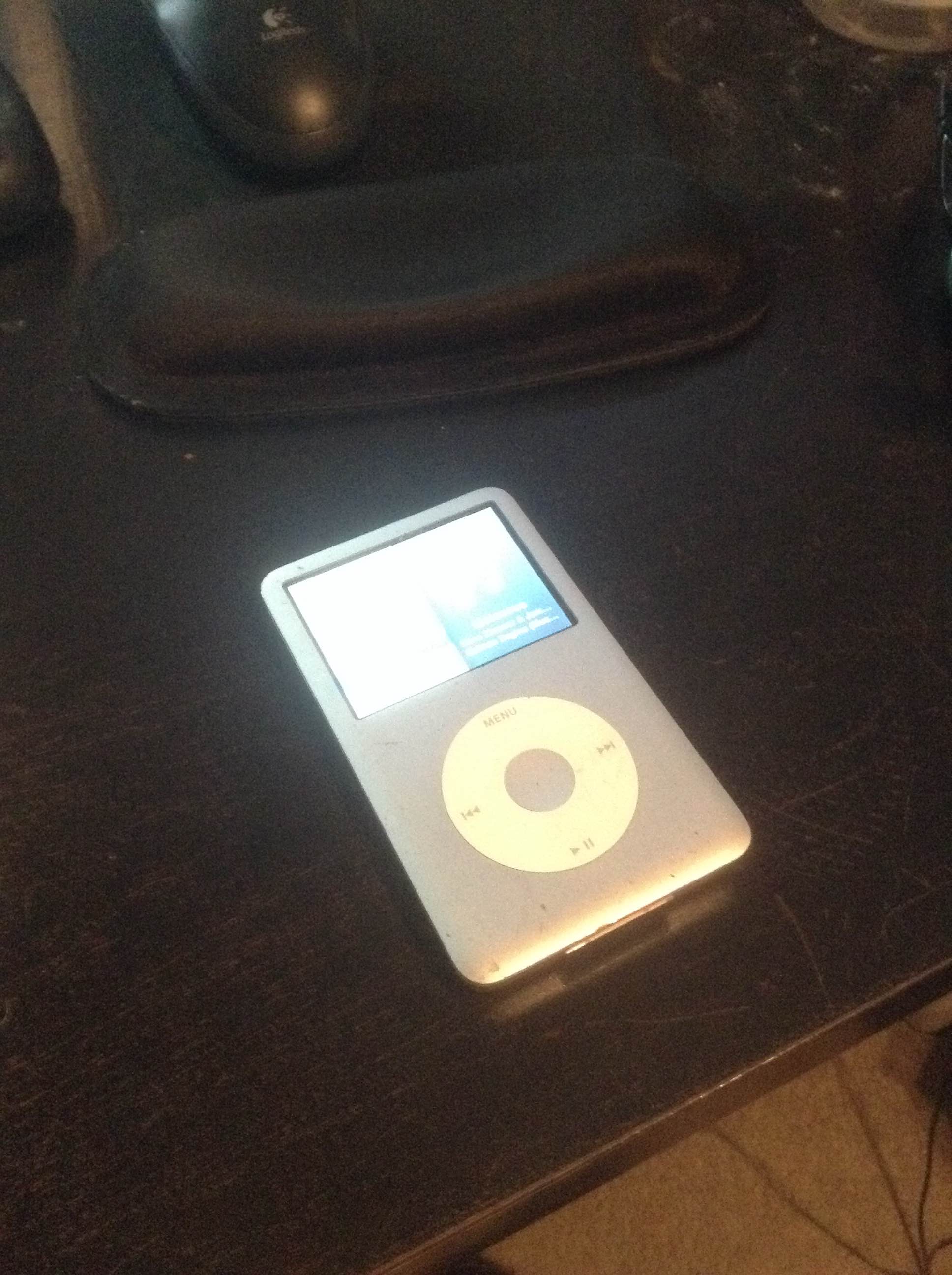
Alack and alas oh readers of my blog! For my iPod is slowly dying!
I got this iPod about six years ago back and it has served me well in its lifetime.
But now… Now it refuses to connect to my computer!
I can still charge it using the cable, but iTunes no longer registers that the iPod is connected.
I looked the issue up and found a post on Apple’s support pages from 2012 which listed a number of solutions to my problem, none of which worked.
I probably reinstalled iTunes a dozen different ways in an attempt to fix this issue, but it still refuses to interface with my iPod.
And I’m sure its not the iPod. My computer still sees the device. I could remove and add things to the iPod manually, but the music is coded and difficult to rearrange. Plus, that process is a whole lot harder to deal with than using iTunes like I have in the past.
My reading on the issue makes me think something got messed up in my computer’s registry when I updated iTunes from version 11 to version 12. The registry of my computer is some internal programming section that I can’t normally access to fix and if I did go through the steps to access it I might irreparably damage my computer for ever and eternity.
I could go to the Apple Store for help, but since the problem is with a Windows PC I don’t think they’d be able to help.
Likewise, because the problem is with my computer, getting a new iPod might not necessarily work either. Plus, they don’t even make the iPod classic that I have anymore! It’s all iTouch, iNano, and iShuffle now. None of them have the same storage capacity as my six year old iPod which is frankly a little shocking. My collection is sitting at 45GB right now and the largest iTouch is 64GB, so I wouldn’t have to make any hard choices. I’d still be missing the assurance that a new device would even work with my computer though.
The most frustrating part of this whole experience has been how long Apple has known about this error in iTunes code. The support page I found indicates they’ve been aware of this issue or a similar issue for the last two years and haven’t fixed it. Peter Jackson’s finished two movies faster than that!
The core of it is that Apple won’t fix an error when the error only occurs on their competitors machines. Its turned me off so much to their company that I’m now looking into getting a different MP3 player.
So… Any suggestions?
-Mister Ed


 GoCorral
Leave a comment